
How to Test IPTV Before Buying: A Step-by-Step Guide
In 2026, choosing the right IPTV service can significantly enhance your viewing experience, but knowing how to test IPTV before buying is crucial to avoid pitfalls. This guide will walk you through the steps necessary to ensure you select the best IPTV service for your needs.
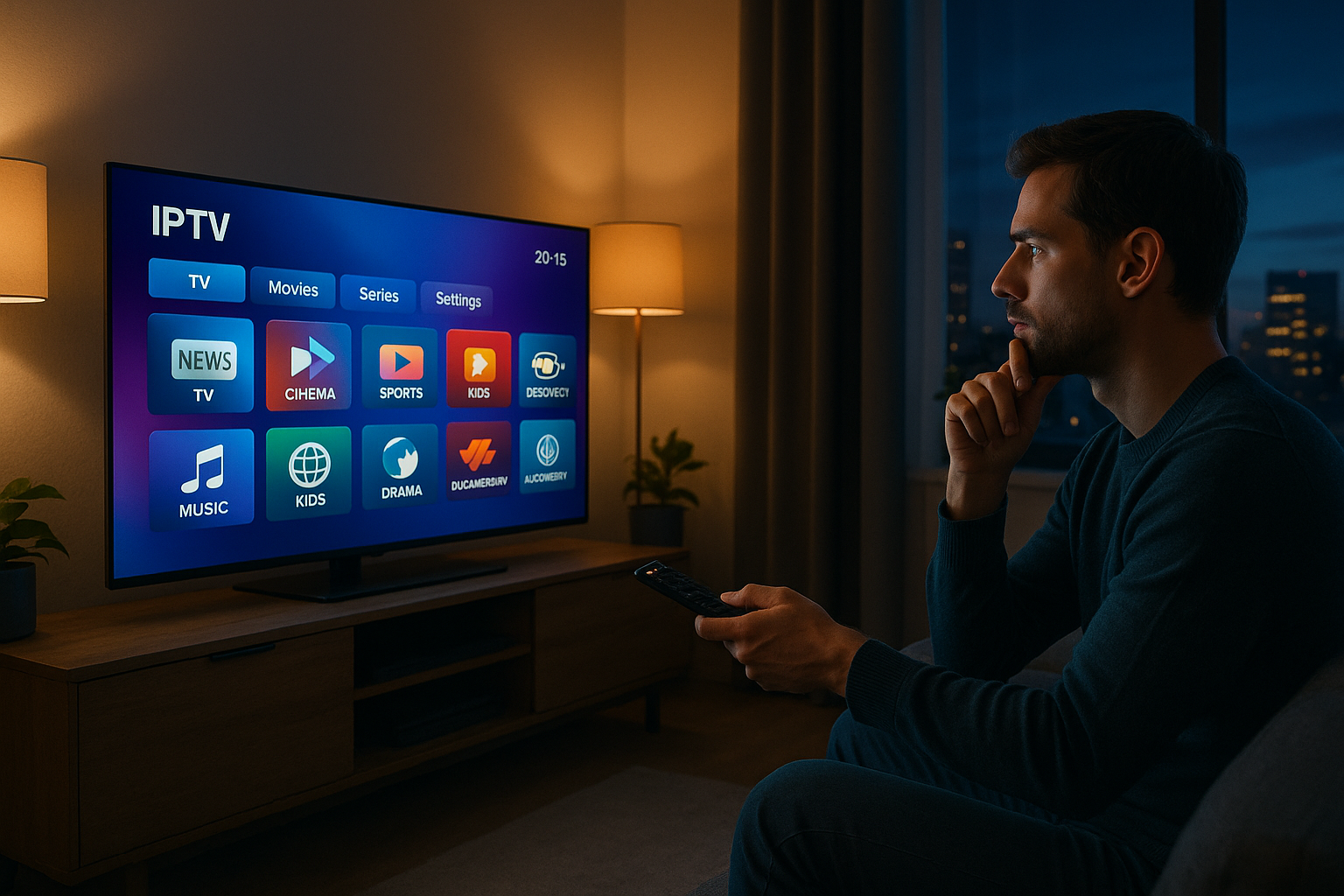
Why Testing an IPTV Service Matters
Avoiding scams and low-quality streams
The IPTV landscape is filled with providers, some of which may not deliver on their promises. By testing an IPTV service before committing, you can avoid scams and ensure the quality of streams meets your expectations.
Checking compatibility with your device and internet speed
Ensure the service is compatible with your device, whether it’s a Smart TV, Android TV, or any other platform. Testing also helps determine if your internet speed is sufficient for seamless streaming.
Ensuring reliable customer support and uptime
A good IPTV service should offer robust customer support and consistent uptime. Testing helps verify these aspects, ensuring you won’t be left without access during crucial viewing times.
Step 1: Look for a Free Trial or Money-Back Guarantee
How to find the best IPTV service free trials
Many reputable IPTV providers offer free trials. Look for these offers on their official websites or contact their support for trial opportunities.
What to look for in a money-back guarantee
A money-back guarantee provides a safety net if the service doesn’t meet your expectations. Ensure the terms are clear and understand the refund process.
Red flags: No trial or unclear refund policy
Be wary of IPTV providers that don’t offer trials or have unclear refund policies. These can be indicators of potential issues with the service.
Step 2: Evaluate the IPTV Player and User Interface
Compatibility with popular IPTV players (e.g., TiviMate, VLC, IPTV Smarters)
Test the service using popular IPTV players like TiviMate, VLC, or IPTV Smarters to ensure compatibility and ease of use.
Testing EPG (Electronic Program Guide) and channel list
Check the EPG and channel list for accuracy and ease of navigation. A well-organized interface enhances the viewing experience.
Assessing load times and playback smoothness
Monitor load times and playback smoothness during your trial. Quick load times and smooth playback are indicators of a quality service.
Step 3: Test Stream Quality and Reliability
Checking resolution, buffering, and latency
During testing, pay attention to the resolution quality, any buffering issues, and latency. High-quality IPTV services should offer minimal buffering and high resolution.
Testing during peak hours (evenings/weekends)
Ensure you test the service during peak hours to see how it handles high traffic. This is when buffering issues are most likely to occur.
Using a speed test to ensure your internet meets requirements
Conduct a speed test to confirm your internet connection is fast enough for the IPTV service. A reliable connection is crucial for uninterrupted streaming.
Step 4: Verify Content Library and Channel Availability
Confirming your preferred channels, VOD, and sports packages
Verify that the IPTV service offers all the channels and VOD content you desire, including any specific sports packages.
Testing multiple genres (news, sports, movies, kids)
Explore various genres to ensure the service provides a comprehensive entertainment package that suits your preferences.
Checking for IPTV subscription geo-restrictions
Some IPTV services may have geo-restrictions. Check if the service is accessible in your region and supports your favorite channels.
Step 5: Assess Customer Support and Community Feedback
Reaching out to support before subscribing
Contact customer support with any questions before subscribing. Their responsiveness and helpfulness are indicators of their service quality.
Reading reviews and joining IPTV forums
Research reviews and participate in IPTV forums to gather insights from other users about their experiences with the service.
Avoiding providers with poor communication
Providers with poor communication or negative feedback in forums are best avoided. Reliable providers should have a strong reputation for customer support.
IPTV Setup Guide: Quick Testing Checklist
Prepare your device and internet connection
Ensure your device and internet connection are ready for the test. This includes having the necessary hardware and stable internet.
Install a recommended IPTV player
Use a recommended IPTV player such as TiviMate or IPTV Smarters for the testing process to ensure compatibility and ease of use.
Use the trial to run all tests within 24–48 hours
Conduct all necessary tests within the trial period to evaluate the service thoroughly. This ensures you make an informed decision.
Free IPTV vs. Paid IPTV: Pros and Cons
Risks of free IPTV (malware, downtime, poor quality)
Free IPTV services often come with risks such as malware, frequent downtime, and poor stream quality, making them unreliable.
Why paid subscriptions offer better reliability and support
Paid IPTV subscriptions typically offer better stream quality, reliability, and customer support, making them a safer choice.
How to test free IPTV safely (if you choose to)
If you decide to test free IPTV, ensure your device has strong security measures in place to mitigate potential risks.
FAQs
How long should I test an IPTV service before buying?
Aim for a trial period of at least 24–48 hours. Test during different times of day, especially peak evening hours, to check for buffering and channel stability.
What devices can I use to test IPTV?
Most IPTV services work on Android TV, Fire Stick, Smart TVs, smartphones, tablets, and PCs. Use a compatible IPTV player like TiviMate or IPTV Smarters for the best experience.
Is free IPTV a good way to test?
Free IPTV can be risky due to malware and unreliable streams. It’s better to use a paid trial with a money-back guarantee to test the actual service quality.
How do I know if my internet speed is enough for IPTV?
For SD streams, at least 10 Mbps is recommended; for HD and 4K, aim for 25 Mbps or higher. Run a speed test on your device during testing.
What should I check in the IPTV player during testing?
Test EPG accuracy, channel list navigation, recording features (if available), and playback on multiple devices. Ensure the player supports your preferred format.
By following this comprehensive guide on how to test IPTV before buying, you can confidently choose a service that meets your expectations and enjoy uninterrupted streaming in 2026.
Frequently Asked Questions
How long should I test an IPTV service before buying?
Aim for a trial period of at least 24–48 hours. Test during different times of day, especially peak evening hours, to check for buffering and channel stability.
What devices can I use to test IPTV?
Most IPTV services work on Android TV, Fire Stick, Smart TVs, smartphones, tablets, and PCs. Use a compatible IPTV player like TiviMate or IPTV Smarters for the best experience.
Is free IPTV a good way to test?
Free IPTV can be risky due to malware and unreliable streams. It’s better to use a paid trial with a money-back guarantee to test the actual service quality.
How do I know if my internet speed is enough for IPTV?
For SD streams, at least 10 Mbps is recommended; for HD and 4K, aim for 25 Mbps or higher. Run a speed test on your device during testing.
What should I check in the IPTV player during testing?
Test EPG accuracy, channel list navigation, recording features (if available), and playback on multiple devices. Ensure the player supports your preferred format.
How to Choose the Right how to test IPTV before buying
Choosing the right how to test IPTV before buying depends on device compatibility, playback quality, and how easily it can manage playlists.
A reliable how to test IPTV before buying should support smooth streaming, fast loading, and simple playlist setup without buffering issues.
Before using any how to test IPTV before buying, test whether it works well with your IPTV service, device, and preferred M3U format.
Benefits of Using how to test IPTV before buying
An how to test IPTV before buying can make it easier to organize channels, manage playlists, and improve the viewing experience.
The best how to test IPTV before buying should be stable, responsive, and easy to configure for long-term streaming use.
If you want the best experience, choose how to test IPTV before buying with stable performance, simple setup, and good compatibility across devices.
Many users prefer how to test IPTV before buying because the best how to test IPTV before buying can improve stability, setup speed, and overall streaming quality.
When comparing options, focus on whether the how to test IPTV before buying offers a smooth interface, reliable updates, and strong playlist support.
A high-quality how to test IPTV before buying should be easy to install, simple to configure, and dependable for everyday streaming.
For official device setup help related to how to test IPTV before buying, visit Amazon Fire TV support.
Ready to experience the best how to test IPTV before buying service?
44,000+ live channels · 100,000+ movies · 4K Ultra HD · 24/7 support
Try Our Services → Secure Checkout