
Why Does My IPTV Keep Buffering? Top Causes & Fixes for Smooth Streaming
If you’ve ever asked yourself, “why does my IPTV keep buffering?” you’re not alone. IPTV buffering is a common issue that can significantly disrupt your viewing experience. Understanding the root causes and how to address them can make a world of difference.
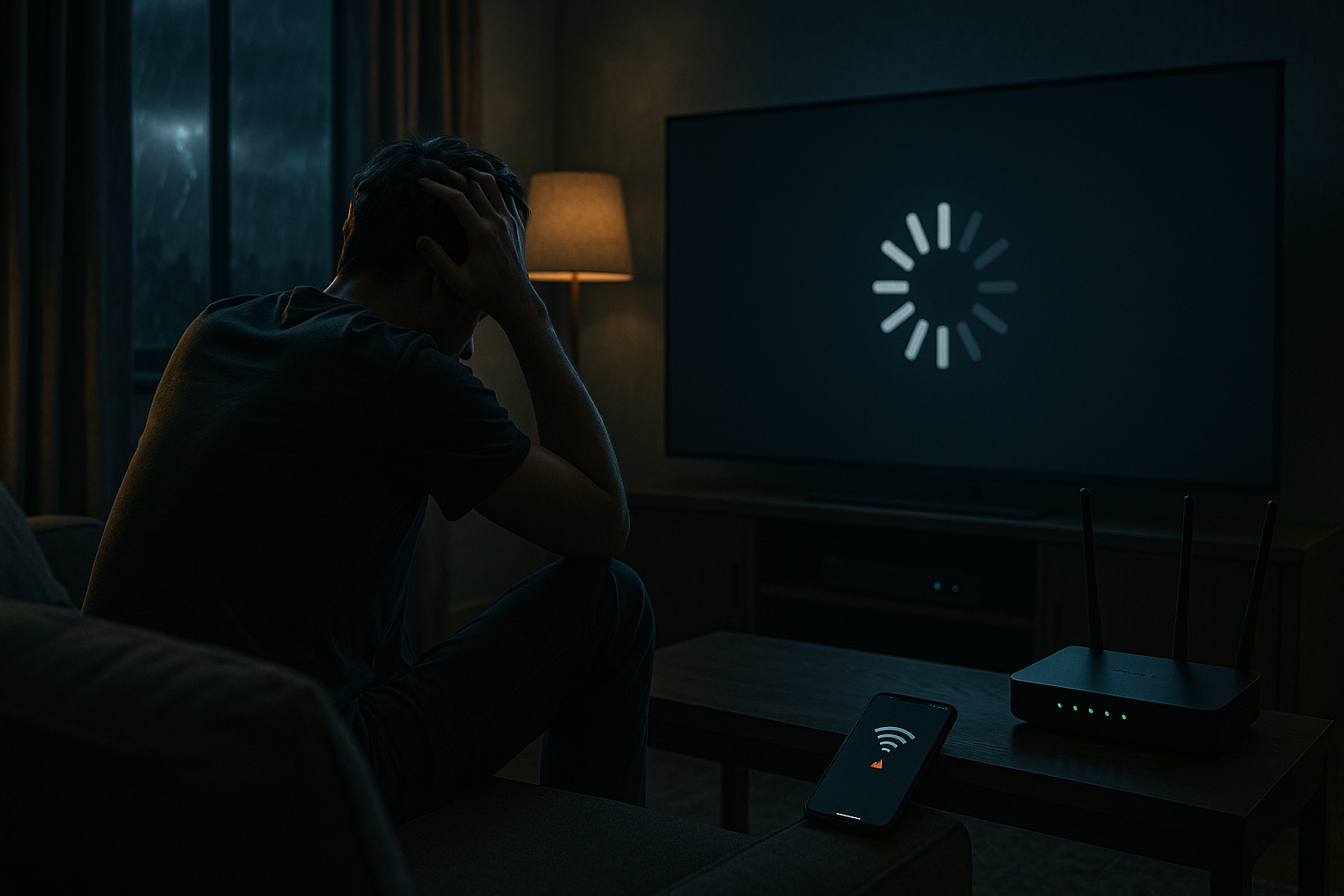
Understanding IPTV Buffering: What’s Happening Behind the Screen
How IPTV streaming works vs. traditional TV
IPTV, or Internet Protocol Television, delivers content over the internet rather than through traditional cable or satellite. This method allows users to access a wide range of channels and on-demand content with an IPTV subscription. However, unlike cable TV, IPTV relies heavily on your internet connection and the server quality, which can lead to buffering if not optimized.
Why buffering is more common with IPTV than cable
Buffering occurs when your IPTV player downloads a portion of the stream before playing it. If the download speed can’t keep up with the playback, the stream pauses to catch up. This is more prevalent in IPTV than cable because it depends on multiple factors like internet speed, server quality, and device configuration.
Top 7 Reasons Your IPTV Keeps Buffering
Slow or unstable internet connection
Your internet connection is crucial for IPTV. If your bandwidth is low or your connection is unstable, buffering is inevitable. Consider upgrading your plan or troubleshooting your network connection.
Overloaded or low-quality IPTV server
Choosing the best IPTV service is essential. Low-quality or overloaded servers can’t handle high traffic, causing buffering. Ensure your IPTV subscription is with a provider known for server stability.
Outdated or misconfigured IPTV player
An outdated app or incorrect settings in your IPTV player can also lead to buffering. Ensure your player is updated and configured correctly for your network speed.
Too many devices on your home network
Multiple devices consuming bandwidth simultaneously can slow down your internet speed, leading to buffering. Try limiting the number of active devices during streaming.
Wi-Fi interference or weak signal
Wi-Fi signals can be disrupted by physical barriers or electronic interference. A weak signal can cause buffering, so consider switching to a wired connection or optimizing your Wi-Fi setup.
Incorrect IPTV setup guide or settings
Following an accurate IPTV setup guide is crucial. Incorrect settings can cause interruptions, so ensure your setup matches your network capabilities.
ISP throttling or traffic shaping
Some ISPs limit bandwidth for streaming services during peak times. This practice, known as throttling, can cause buffering. Using a VPN can help bypass these restrictions.
How to Fix IPTV Buffering: Step-by-Step Solutions
Check your internet speed and upgrade if needed
Start by testing your internet speed. If it’s below the recommended level for streaming, consider upgrading your plan.
Switch to a wired Ethernet connection
A wired connection provides more stability and speed than Wi-Fi, reducing the chances of buffering.
Choose a reliable best IPTV service provider
Research and select a provider with a reputation for server reliability and excellent customer support to minimize buffering.
Optimize your IPTV player settings (buffer size, codecs)
Adjust settings in your IPTV player like buffer size and codec configurations to match your internet speed for smoother streaming.
Use a VPN to bypass ISP throttling
If you suspect your ISP is throttling your connection, a VPN can help encrypt your data and potentially improve streaming performance.
Limit device usage during streaming
Reduce the number of active devices on your network to ensure maximum bandwidth for your IPTV service.
Update your IPTV subscription plan for higher bandwidth
If buffering persists, consider updating your IPTV subscription plan to one that offers higher bandwidth and better server performance.
Choosing the Best IPTV Service to Minimize Buffering
What to look for in a premium IPTV subscription
Look for features like server uptime guarantees, high-quality streams, and responsive customer support when selecting an IPTV subscription.
Red flags in free IPTV services that cause buffering
Free IPTV services often use inferior servers, leading to frequent buffering and outages. Investing in a paid service can improve reliability.
Server stability and geo-location tips
Choose a provider with servers close to your location to reduce latency and improve streaming quality.
Best IPTV Players to Reduce Buffering Issues
Top IPTV players with advanced buffering controls
Popular options like TiviMate and IPTV Smarters offer advanced settings for buffer management, helping to reduce interruptions.
How to configure your IPTV player for optimal performance
Ensure your IPTV player’s settings are optimized for your connection speed and device capabilities to minimize buffering.
IPTV Setup Guide: Avoiding Buffering from Day One
Essential hardware and network requirements
Invest in quality routers and Ethernet cables to support stable IPTV streaming from the start.
Step-by-step IPTV setup guide for beginners
Follow a comprehensive IPTV setup guide to ensure all settings are configured correctly for your network environment.
Common setup mistakes that lead to buffering
Avoid common pitfalls like incorrect buffer sizes or unsupported codecs, which can increase buffering risks.
FAQs
- Why does my IPTV buffer even with fast internet?
- Fast internet alone isn’t enough. Buffering can occur due to server overload, ISP throttling, Wi-Fi interference, or a poorly configured IPTV player. Ensure your connection is wired, your IPTV subscription is from a reliable provider, and your player settings match your network speed.
- Can a free IPTV service cause more buffering?
- Yes. Free IPTV services often use overloaded or low-quality servers, lack technical support, and may have unstable streams. For a consistent experience, a paid IPTV subscription from a reputable best IPTV service is recommended.
- What is the best IPTV player to stop buffering?
- Popular IPTV players like TiviMate, IPTV Smarters, and VLC offer buffer size adjustments and hardware decoding. Choose one that supports your device and lets you fine-tune settings for your internet speed.
- How do I know if my ISP is throttling my IPTV?
- If buffering happens mainly during peak hours or on specific streaming services, your ISP may be throttling. Use a VPN to encrypt traffic; if buffering improves, throttling is likely the cause.
- Does my IPTV setup guide affect buffering?
- Absolutely. Following a correct IPTV setup guide ensures you use optimal settings like buffer size, video output, and network configuration. A poor setup can cause unnecessary buffering even with a fast connection.
Understanding why does my IPTV keep buffering is the first step toward a seamless streaming experience. By addressing the key factors and following the recommended solutions, you can significantly reduce buffering and enjoy uninterrupted IPTV service.
Frequently Asked Questions
Why does my IPTV buffer even with fast internet?
Fast internet alone isn’t enough. Buffering can occur due to server overload, ISP throttling, Wi-Fi interference, or a poorly configured IPTV player. Ensure your connection is wired, your IPTV subscription is from a reliable provider, and your player settings match your network speed.
Can a free IPTV service cause more buffering?
Yes. Free IPTV services often use overloaded or low-quality servers, lack technical support, and may have unstable streams. For a consistent experience, a paid IPTV subscription from a reputable best IPTV service is recommended.
What is the best IPTV player to stop buffering?
Popular IPTV players like TiviMate, IPTV Smarters, and VLC offer buffer size adjustments and hardware decoding. Choose one that supports your device and lets you fine-tune settings for your internet speed.
How do I know if my ISP is throttling my IPTV?
If buffering happens mainly during peak hours or on specific streaming services, your ISP may be throttling. Use a VPN to encrypt traffic; if buffering improves, throttling is likely the cause.
Does my IPTV setup guide affect buffering?
Absolutely. Following a correct IPTV setup guide ensures you use optimal settings like buffer size, video output, and network configuration. A poor setup can cause unnecessary buffering even with a fast connection.
How to Choose the Right why does my IPTV keep buffering
Choosing the right why does my IPTV keep buffering depends on device compatibility, playback quality, and how easily it can manage playlists.
A reliable why does my IPTV keep buffering should support smooth streaming, fast loading, and simple playlist setup without buffering issues.
Before using any why does my IPTV keep buffering, test whether it works well with your IPTV service, device, and preferred M3U format.
Benefits of Using why does my IPTV keep buffering
An why does my IPTV keep buffering can make it easier to organize channels, manage playlists, and improve the viewing experience.
The best why does my IPTV keep buffering should be stable, responsive, and easy to configure for long-term streaming use.
If you want the best experience, choose why does my IPTV keep buffering with stable performance, simple setup, and good compatibility across devices.
Many users prefer why does my IPTV keep buffering because the best why does my IPTV keep buffering can improve stability, setup speed, and overall streaming quality.
When comparing options, focus on whether the why does my IPTV keep buffering offers a smooth interface, reliable updates, and strong playlist support.
A high-quality why does my IPTV keep buffering should be easy to install, simple to configure, and dependable for everyday streaming.
For official device setup help related to why does my IPTV keep buffering, visit Amazon Fire TV support.
Ready to experience the best why does my IPTV keep buffering service?
44,000+ live channels · 100,000+ movies · 4K Ultra HD · 24/7 support
Try Our Services → Secure Checkout